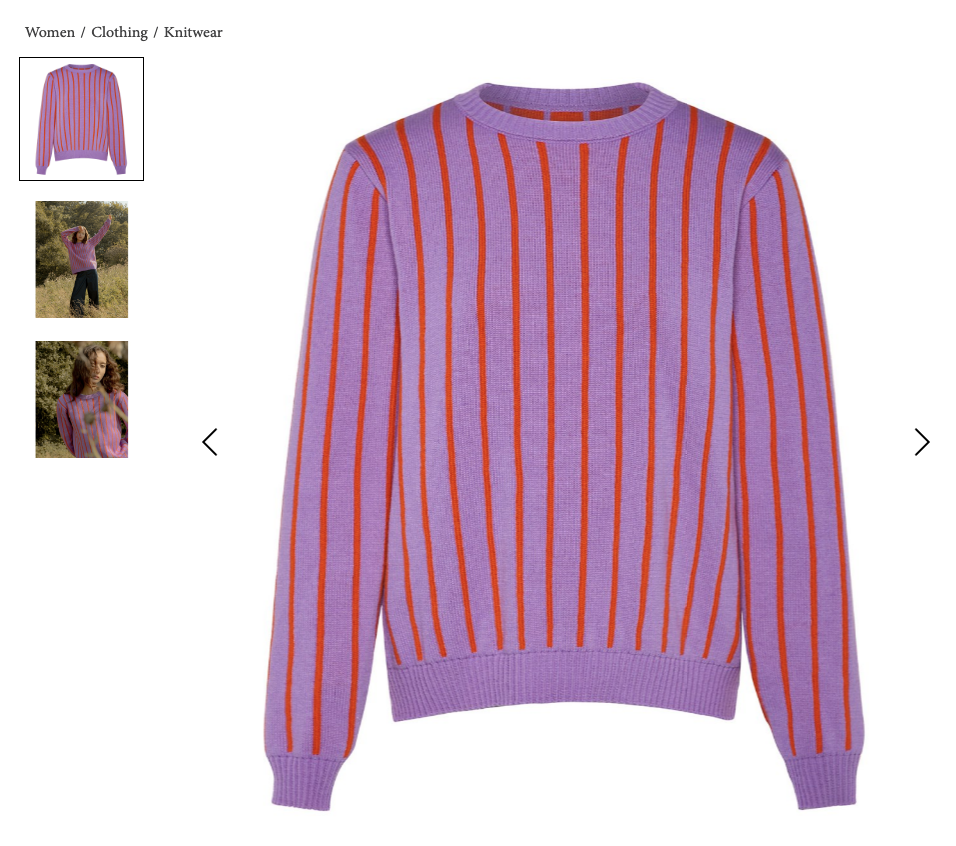
When you import a product from Shopify into the dashboard, it pulls photos from your Shopify products, but they might not be in the correct order as per Wolf & Badger image standards & requirements.
Once the product is imported and moves to the Product Draft section on the dashboard, you'll have the option to edit the order of the images and add additional imagery: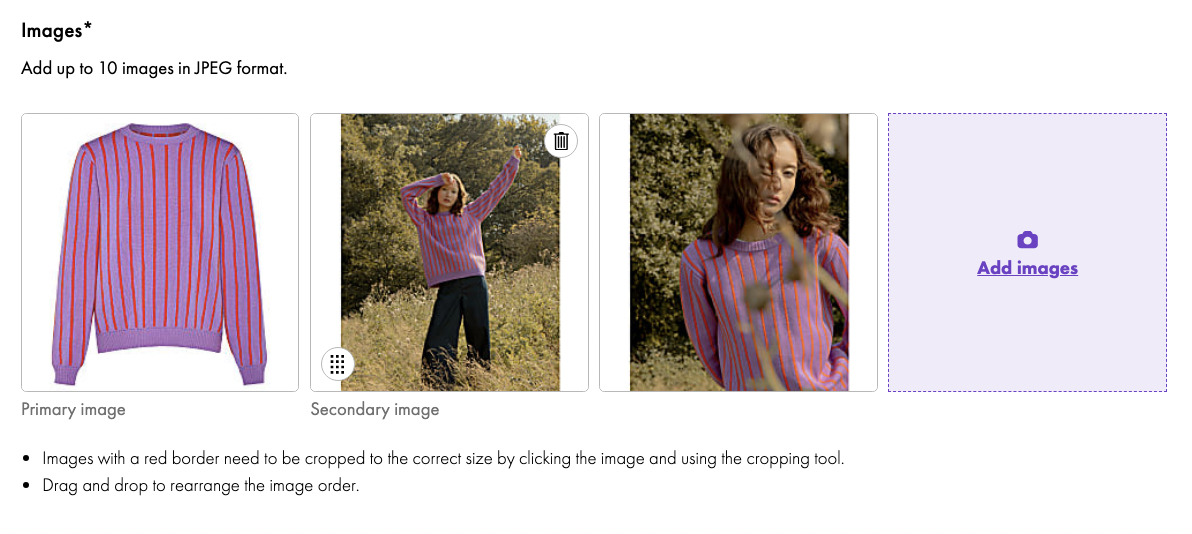
We require the first image to be ghost image, showing the item only (no visible mannequin or model) on a flat white background: