What is a Company Registration Number (CRN)?
A CRN is a form of identifying a legal entity used by domestic and international governments. It is used by governing bodies and other parties to verify the legitimacy of a business.
ℹ️ Note: If you are a sole trader not a limited company, please provide your unique tax payer reference number (UTR)
Do I need to provide a CRN?
Yes it is mandatory to provide your CRN on signing up to Wolf & Badger. Due to the new HMRC regulations for digital platforms operating in the UK, we need this reference to confirm your business identity and therefore process your payments.
Where can I find my CRN?
To help you provide your CRN, we have compiled a list of useful links for each of the countries below. You may find it helpful to refer to your Certificate of Incorporation which should include your CRN.
How do I add my CRN to my profile?
You provide your CRN in your dashboard.
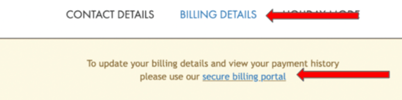
- Go to the “Account” section and click on the “Billing Details” tab
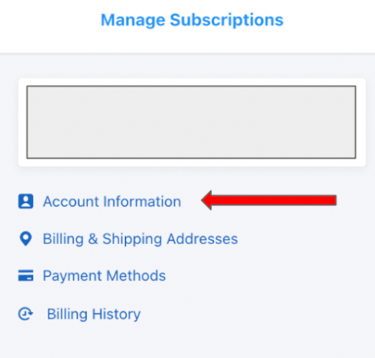
- Click the “secure billing portal” and then click “Account Information”
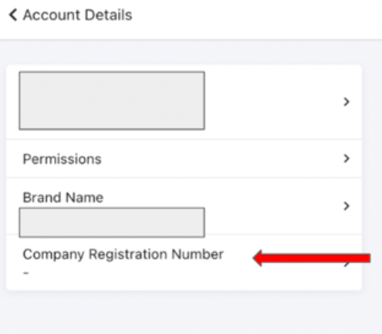
- You need to add your CRN under the “Company Registration Number” section
Step 1:
Step 2:
Step 3: