Declining part of previously accepted orders:
Accepted orders are in ‘Ready to ship’ on the dashboard.
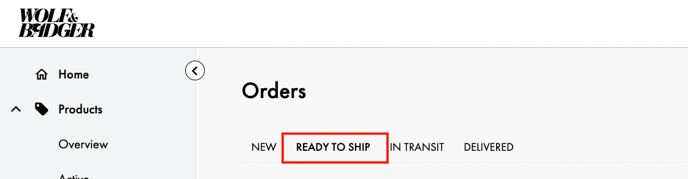
If you need to decline part of an order you need to click into the order and decline the specific items.
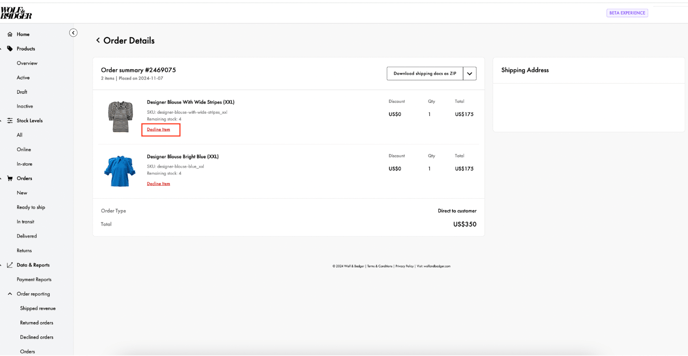
The item status will change to ‘declined’.
Provide accurate shipping documentation:
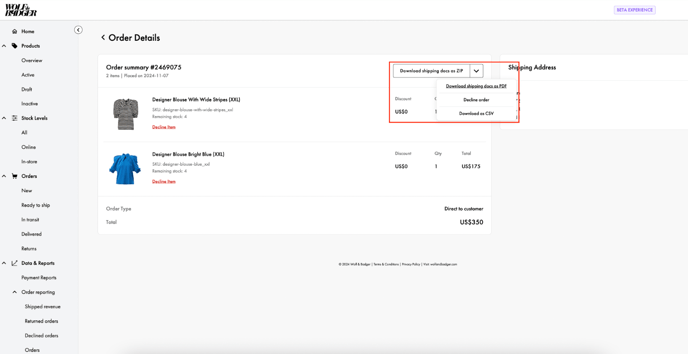
Once you have declined items then you need to re-download the shipping label and other documents. You can do this within the order itself or via the ‘Ready to ship’ section.
Important Note: You cannot use a previous bulk download as this will have the old shipping label and other documentation.

Kindly note our non-fulfilment fee, see more here.