We love featuring strong, authentic imagery of customers, bloggers, friends, family... anyone wearing your collections in real life. These are featured (subject to approval) on the homepage, and the best, most engaging images are posted onto our social media channels. The more you upload, the more visible your collection will be on our site, thus driving more traffic to your designer and product pages.
Scroll down on the Wolf & Badger homepage to the below section:
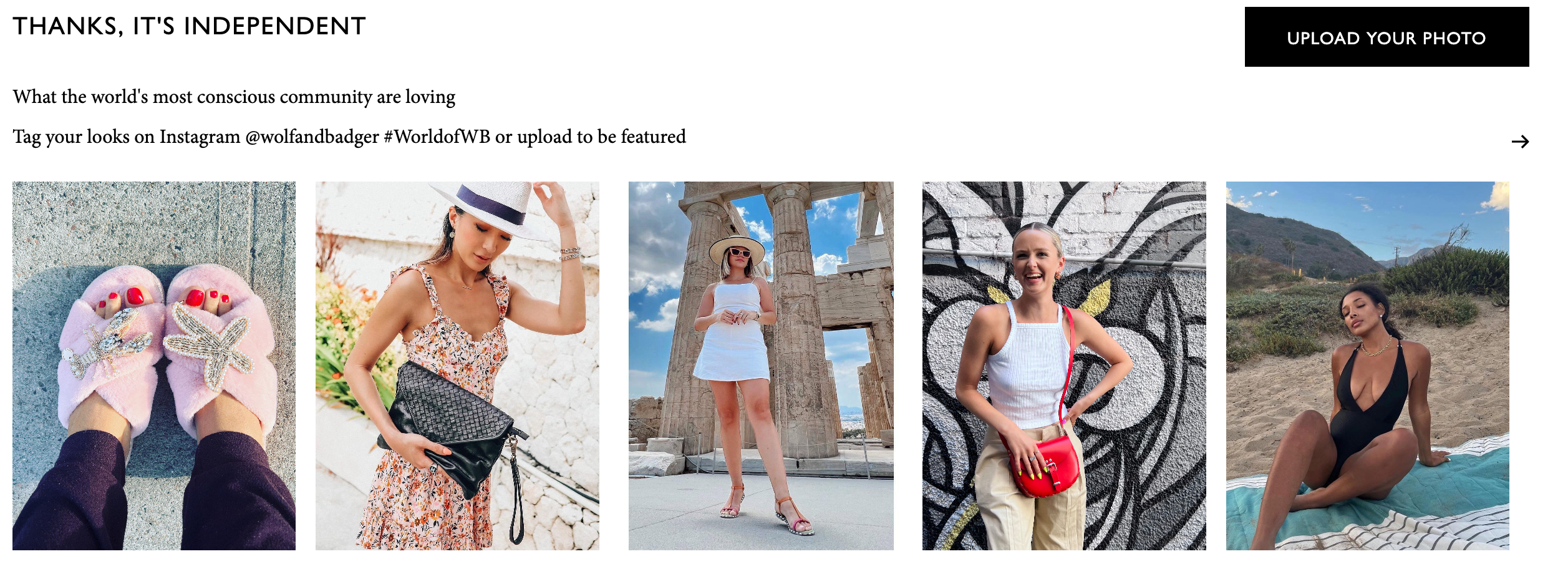
Please upload photos by clicking the ‘upload your photo’ button or you can also tag your looks on Instagram @wolfandbadger #WorldofWB or upload to be featured.
Being featured here allows customers to then 'shop the look'.
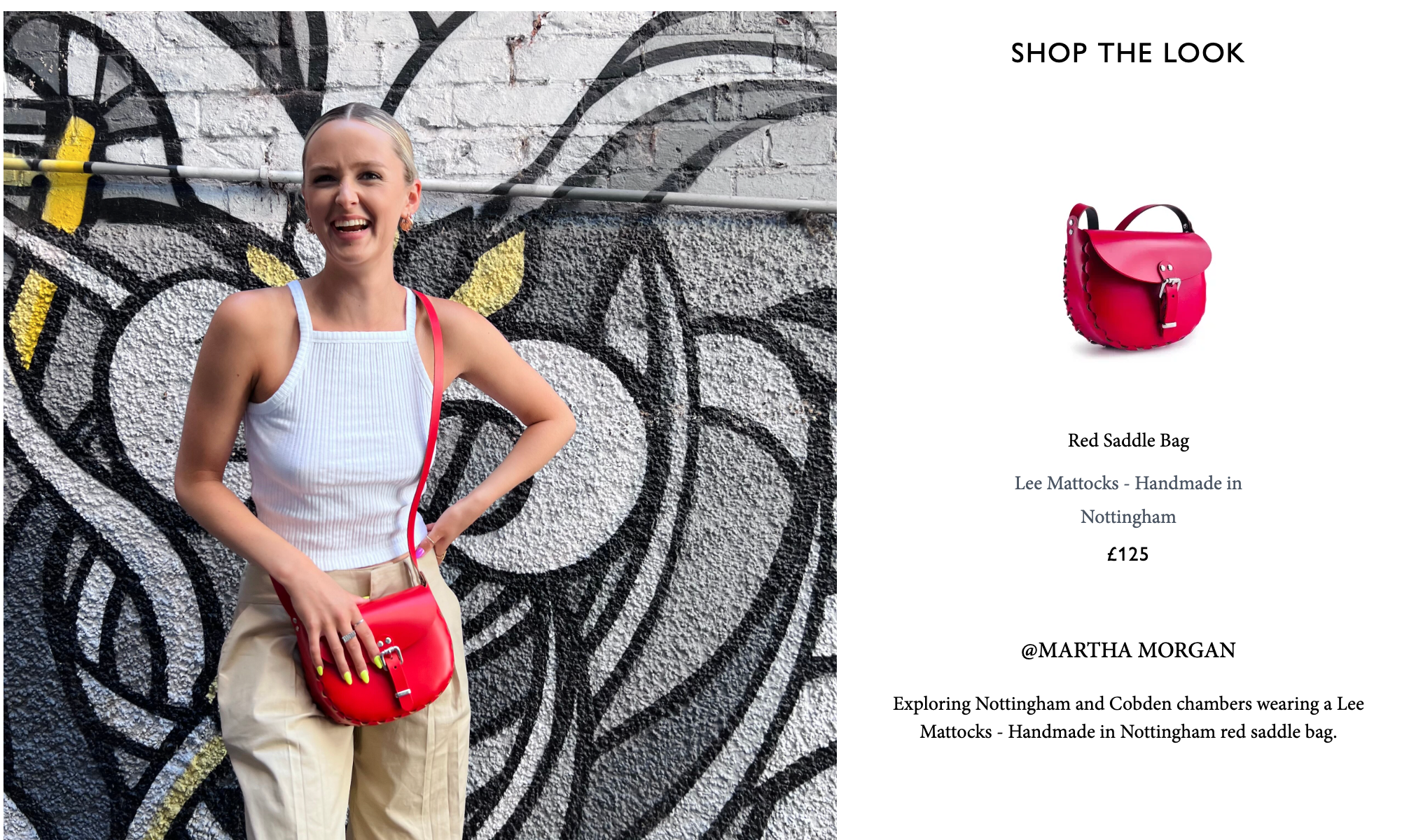
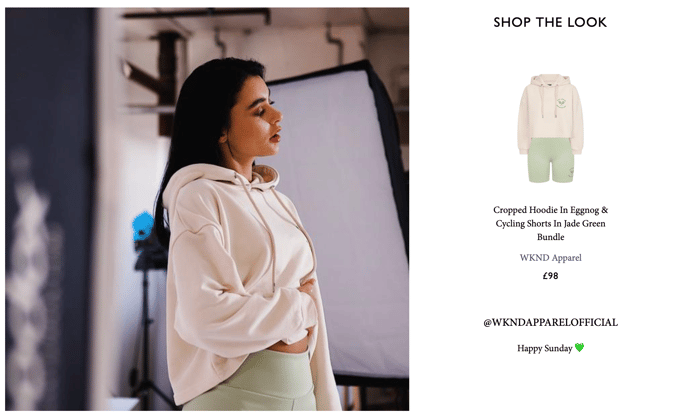
When uploading content, please ensure the following:
- Include the product name in the caption to help Wolf & Badger easily tag the corresponding item.
- Add your brand name to the caption as well.
Guidelines for User Generated Content
DO'S:
- High-quality, square images where the product is clearly visible (e.g. nice lighting, inspiring display, non-blurry images).
-
Authentic, real-life images showcasing the pieces being worn, featuring products that are available for purchase on our website.
DON'T'S:
- Professional campaign or look-book imagery — instead, these can be used for banner images on your profile or as additional images on your product shots.
- Video content - please upload videos to Air, this guide will instruct you on how to do so.
- Images containing watermarks.
- Images that mention in the caption someone else took the photo (photo by, credits to, camera symbol, etc)
- Images with frames.
- Collages or reposts.
Please note: all submissions are subject to approval.