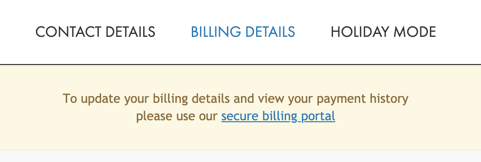
1. Go to Account on your dashboard and select Billing Details.
2. Select to access your Secure Billing Portal.
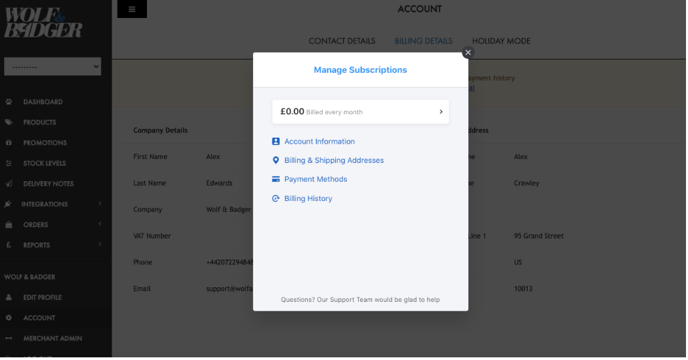
3. From here, you can view and download previous and outstanding invoices under Billing History.
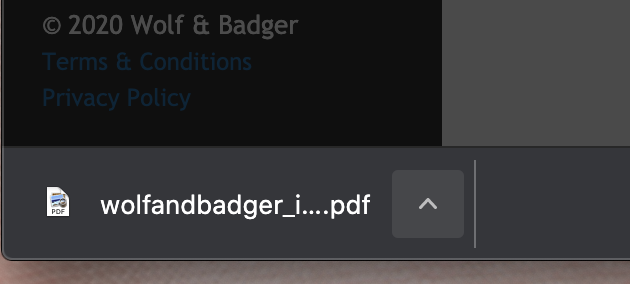
Once you select Download, the invoice should appear at the bottom of your screen for you to view as a PDF document.
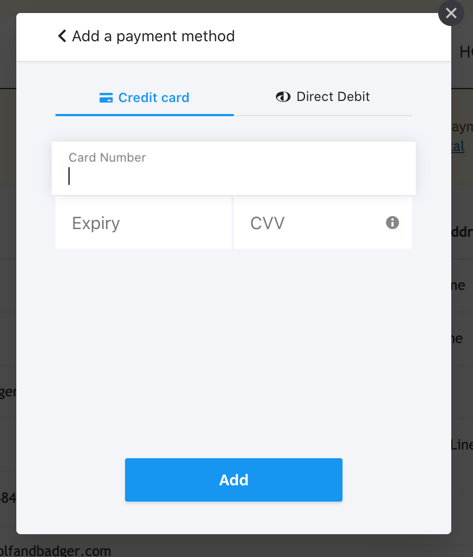
4. You can add new payment methods for your membership fee by selecting Payment Methods.
If you have any trouble with these steps, please reach out to our brands support team for further assistance.